
Memo 1.108
Memo for iOS 27
You talk, Memo takes the notes. Memo is made independently, by someone who wanted a recorder worth loving in every meeting, and it’s shaped by the people who use it every day, at every text size and in every language. With iOS 27 it lives wherever you are: in Siri, on your wrist and across the fold of iPhone Duo, with Arabic notes made offline, right on iPhone.
- Release
- Memo 1.108
- Devices
-
- iPhone
- iPhone Duo
- iPad
- Apple Watch
- Languages
- Eleven, Arabic right to left
- App Store
- Memo on the App Store
Siri AI, Apple Intelligence and Spotlight
-
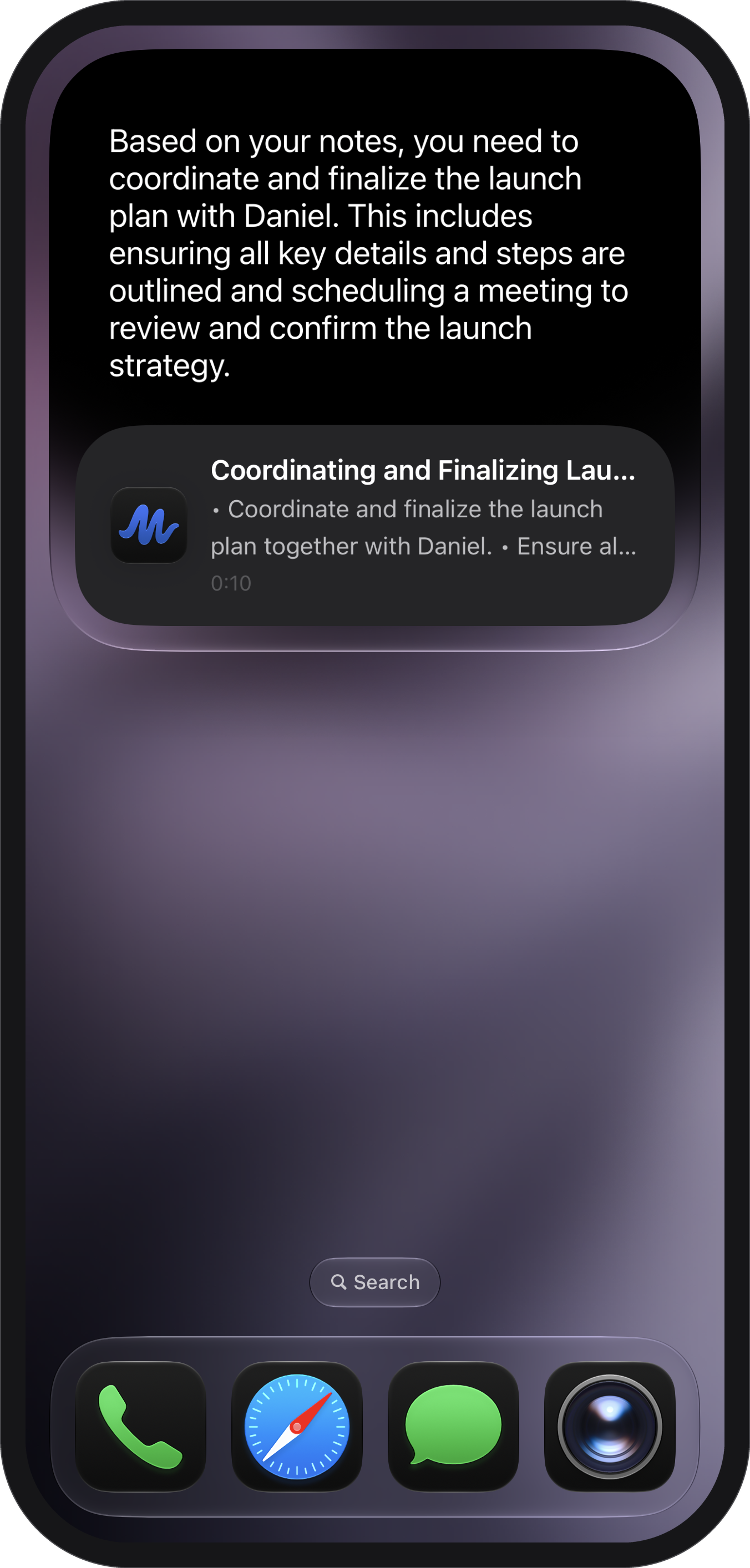
Siri AI answers from your notes -
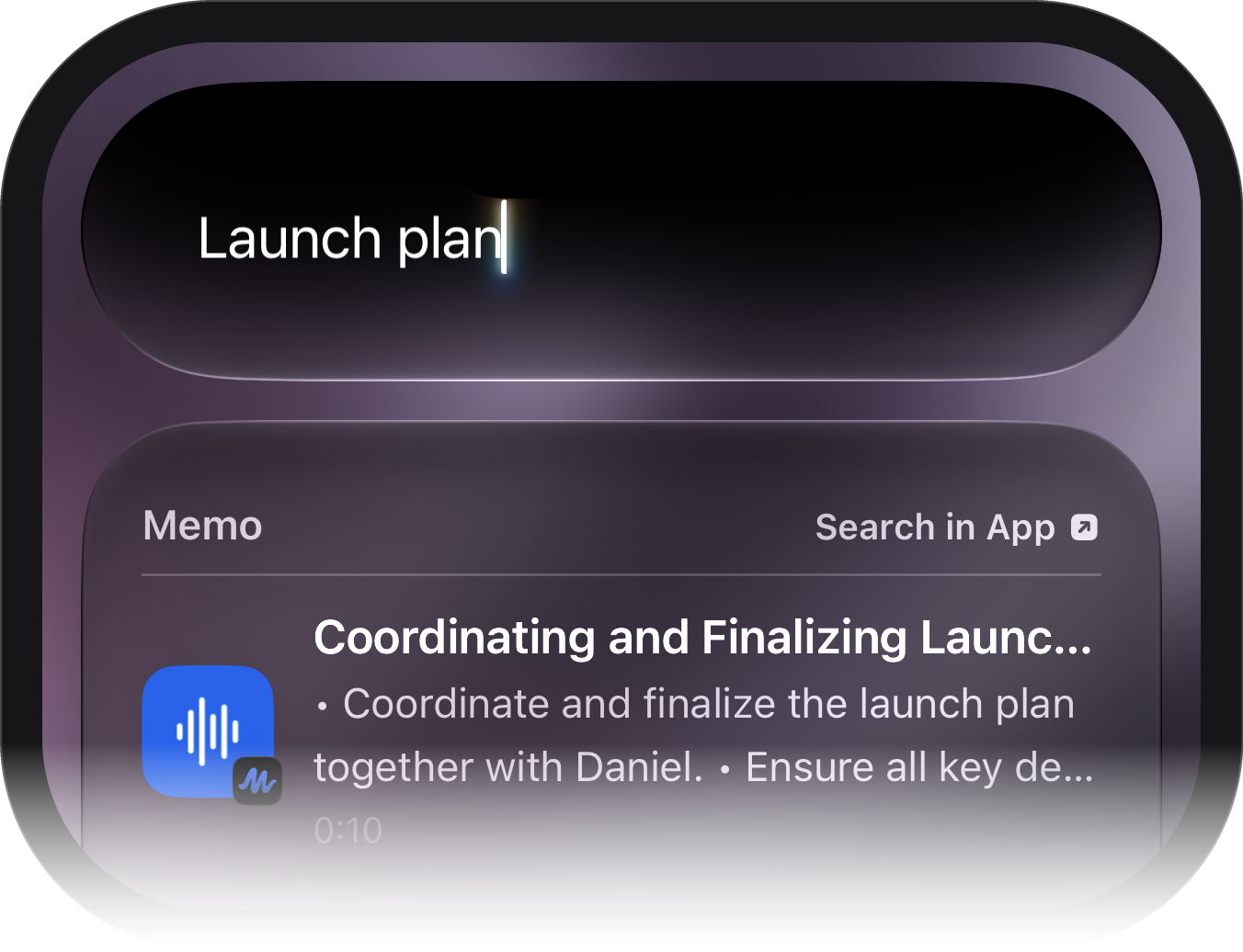
Spotlight finds a note
-
Siri AI understands your notes
App Intents, iOS 27 Notes schema (IndexedEntity)
Notes and folders follow Apple’s Notes schema, so Siri AI can find them and work with them.
-
Answers right in Siri
SnippetIntent
Ask about a note and Memo’s answer appears in Siri, spoken and on a card, without opening the app.
-
Every note action by voice
App Intents
Record, open, search, play, translate, add a to-do, rename, favorite or move a note to a folder.
-
Knows the note on screen
On-screen awareness
“Email this to Anna” or “what are the action items here” works on a note, Home, a folder or the note that is playing.
-
Find a note by anything said in it
Core Spotlight
Finished notes are found by their title, summary, to-dos and transcript, from an index kept on the iPhone.
-
Notes that travel
Transferable and donations
Notes move into other apps as text and audio, and Siri learns your habits.
-
Siri in eleven languages
App Shortcuts
22 Siri phrases in eleven languages, on iPhone and Apple Watch.
Offline notes
-
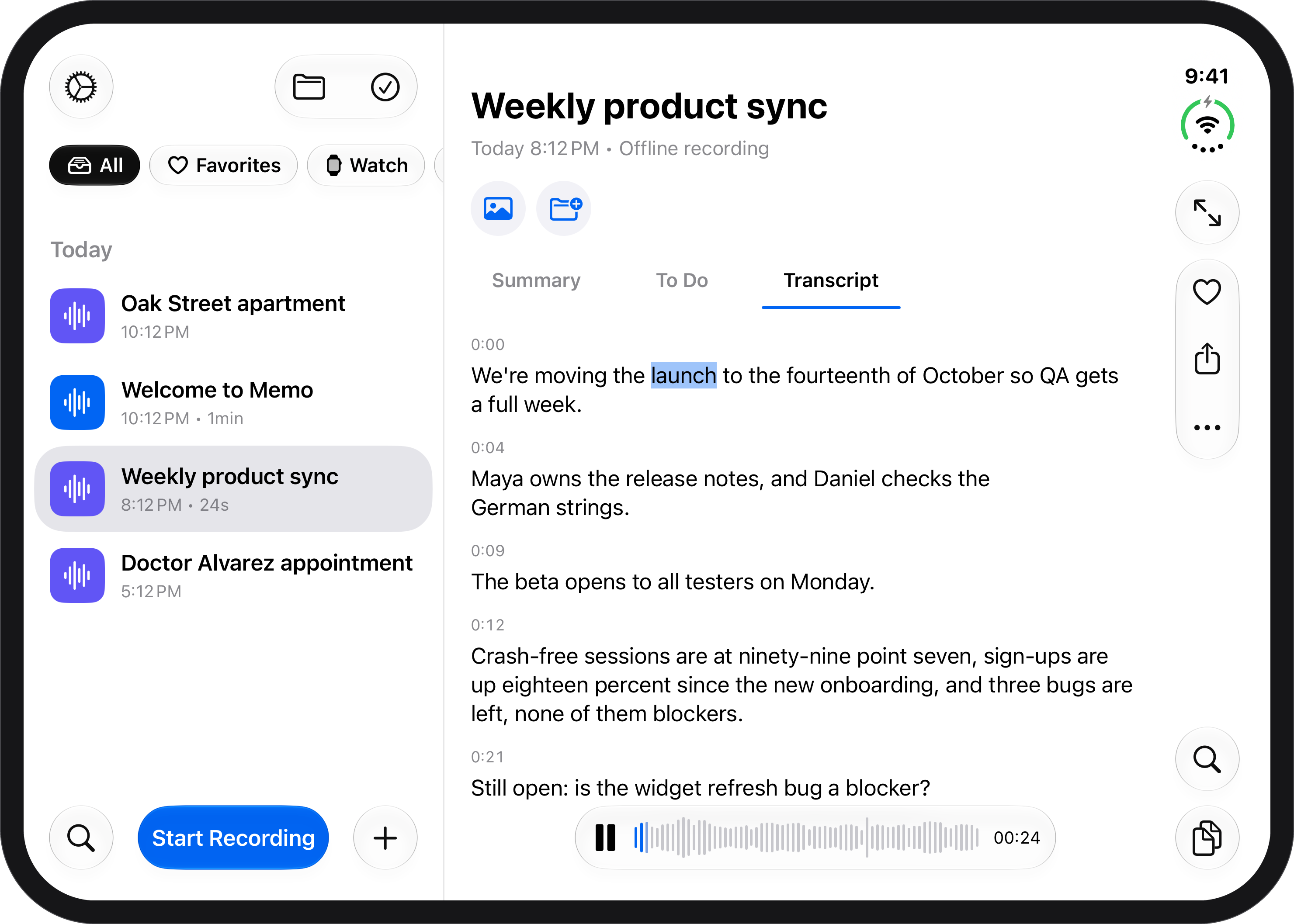
An offline note, every line timestamped
-
Summaries with no connection
Foundation Models
Apple Intelligence writes the summary on the iPhone (on iPhones that support Apple Intelligence).
-
Transcripts on the device
SpeechAnalyzer
Apple’s speech recognition writes the transcript on the iPhone.
-
Offline notes in Arabic
Background Assets and Core AI
An open model (Qwen), delivered as an Apple-hosted asset pack and run on the iPhone with Core AI.
-
Downloads that keep going
BGContinuedProcessingTask
Model downloads continue in the background and show their progress.
-
A picture for a note
Image Playground
Make a picture for any note.
iPhone Duo
-
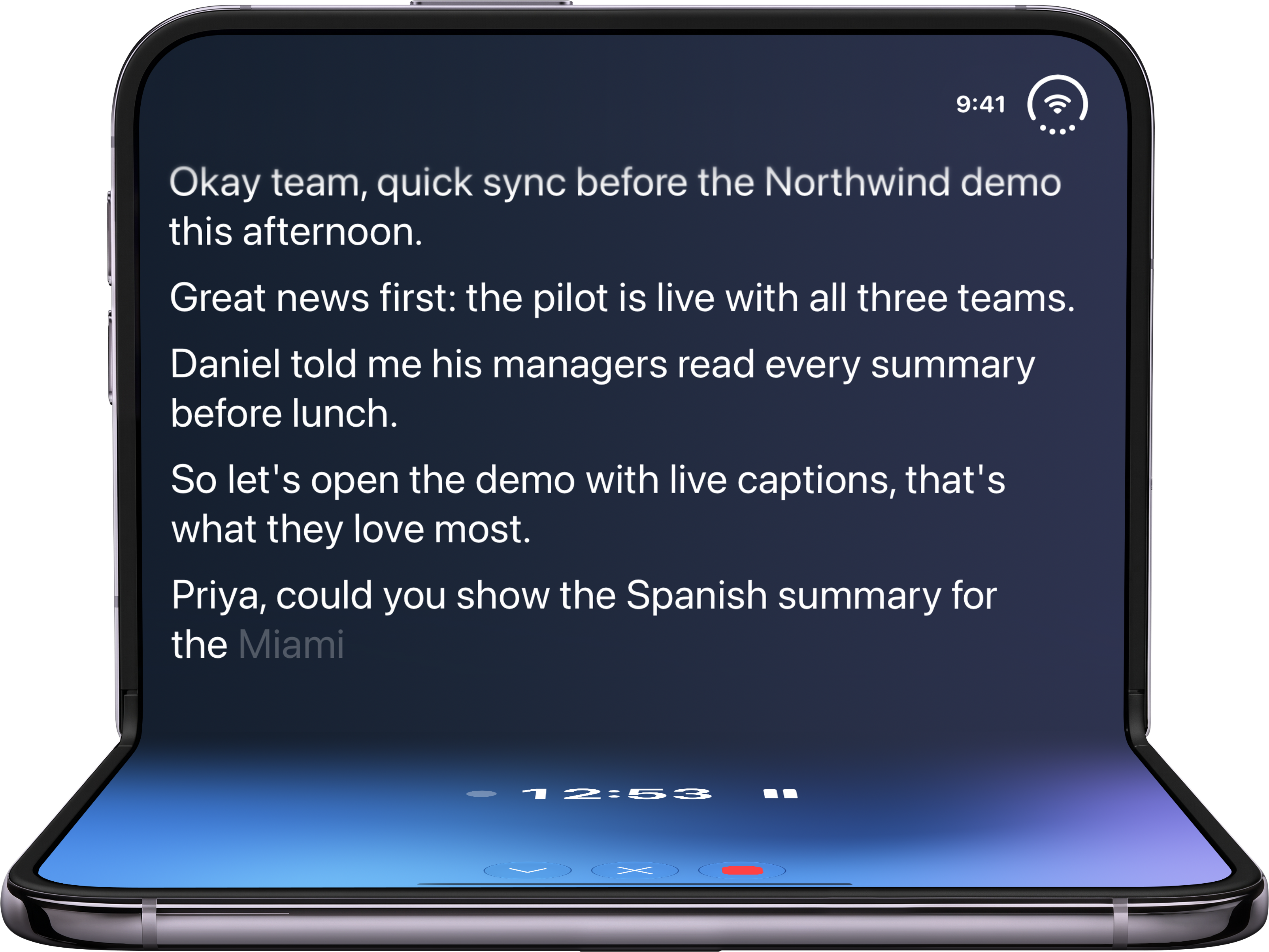
Half open: the recorder across the fold -
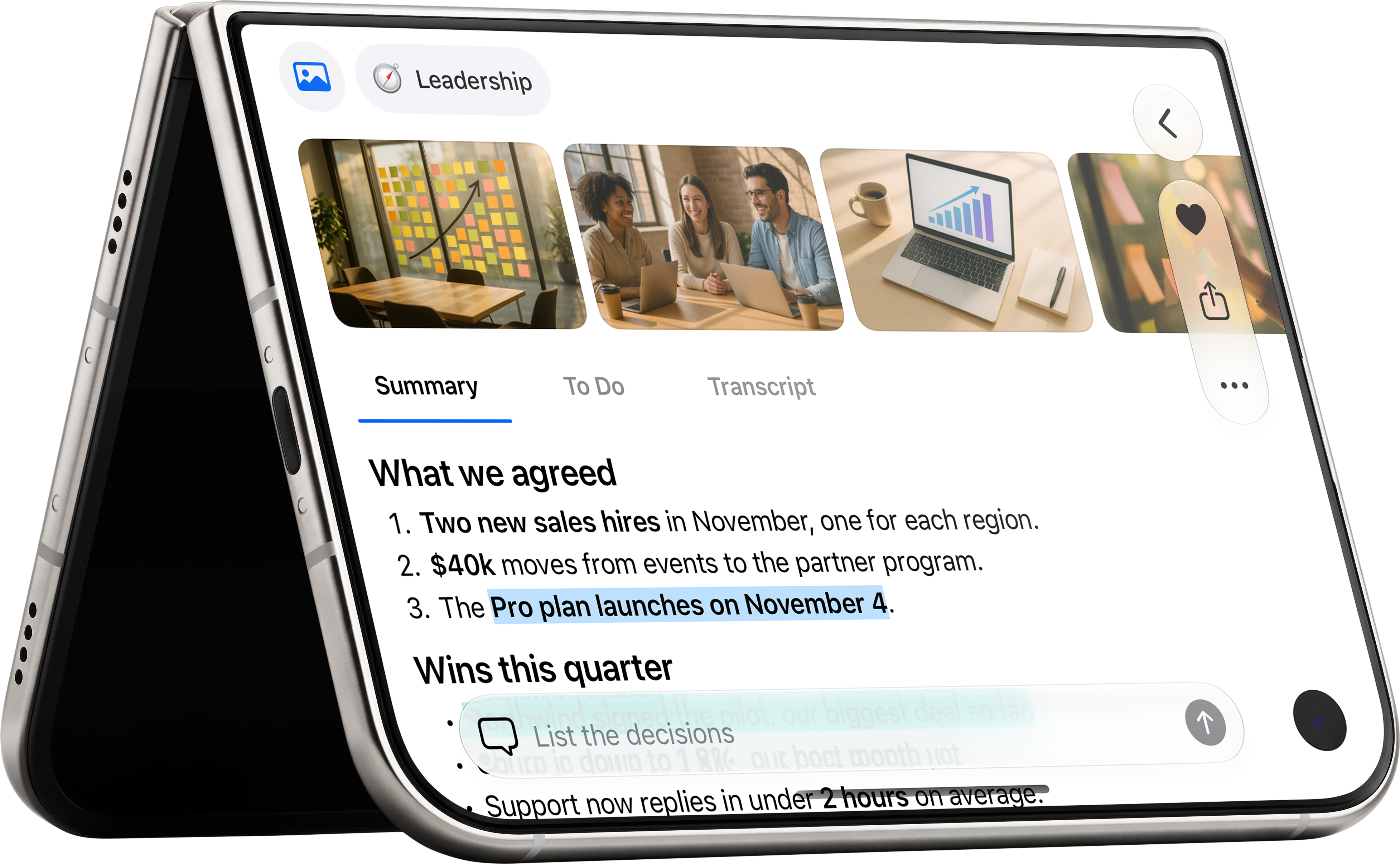
Tent: a note on the cover -
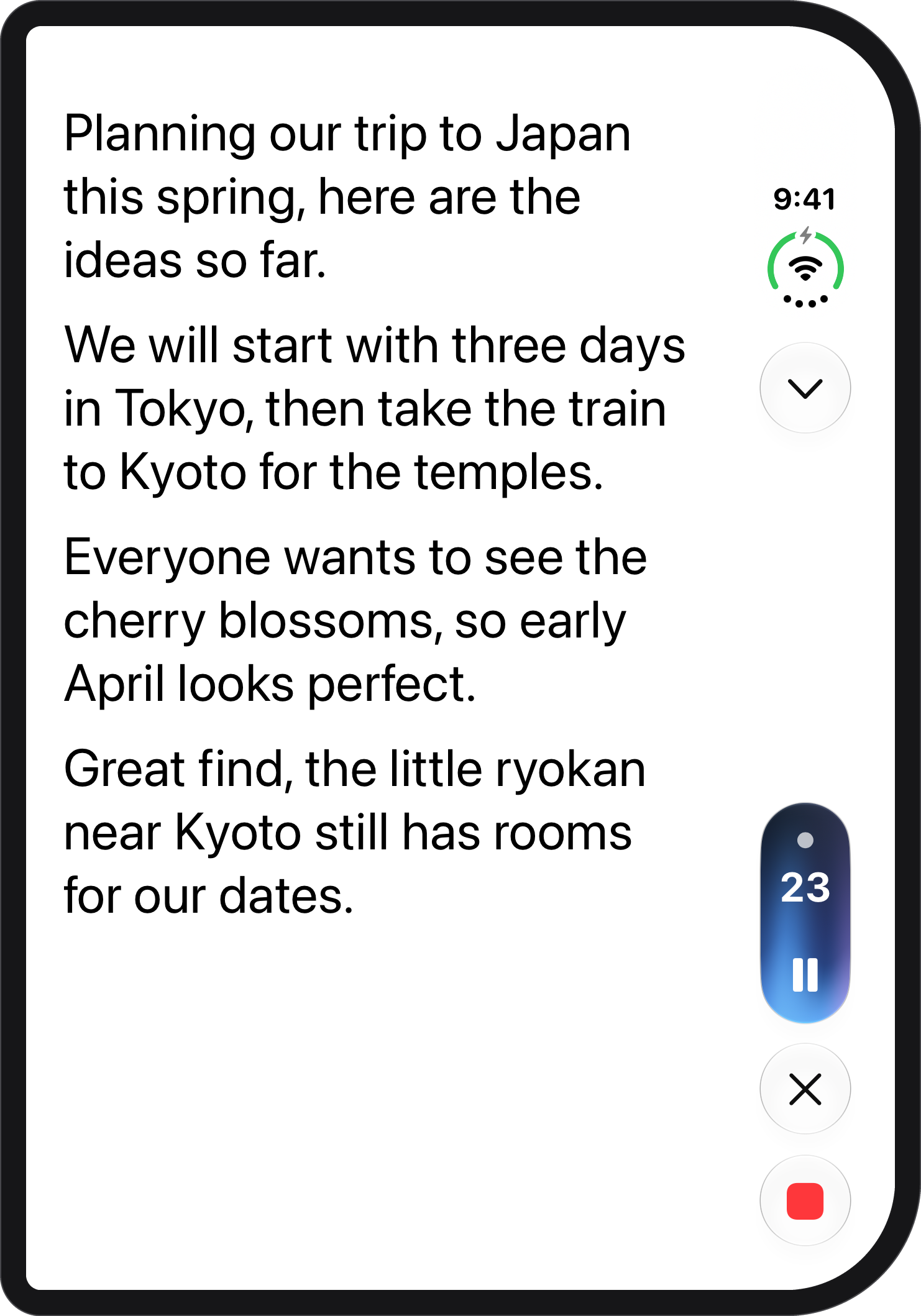
Recording on the cover -
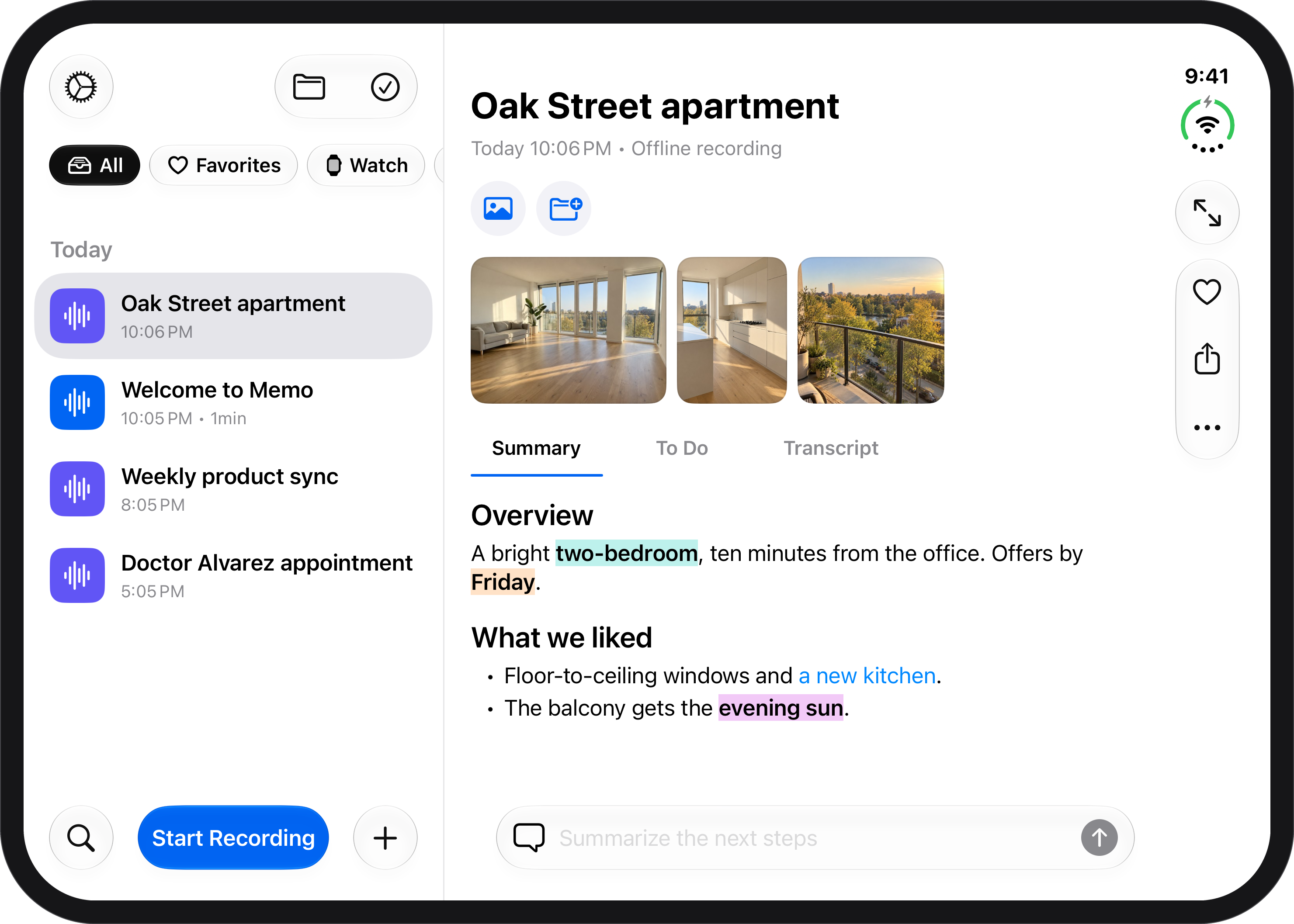
Open: notes side by side
-
Made for every posture
iPhone Duo layouts
Record on the cover; open it for your notes and the open note side by side; half open it and the recorder spreads across the fold with large controls.
-
Fold and carry on
Continuity across the fold
The recording, the note and Ask Memo carry on as you fold or unfold.
Apple Watch
-
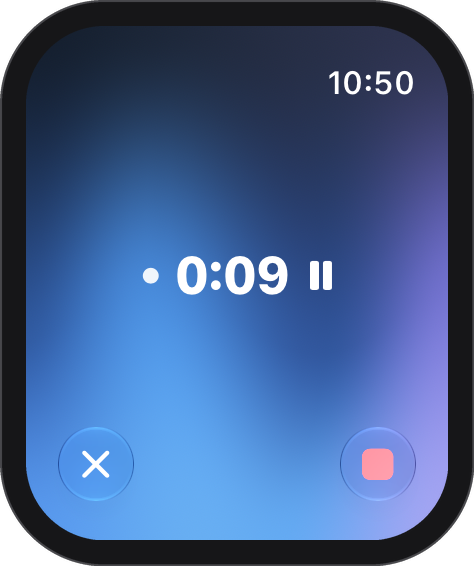
Recording on Apple Watch -
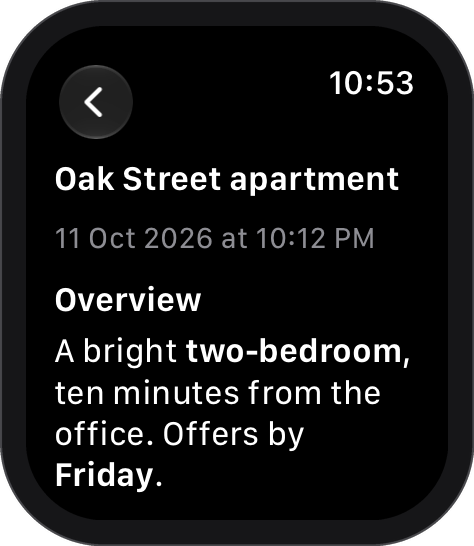
A note on your wrist
-
Finish without touching the screen
Double Tap
End a recording with a Double Tap.
-
The time on your watch face
Live complication
The recording’s time on every watch face family.
-
Suggested when you usually record
Smart Stack, RelevanceConfiguration
A recording is suggested at the hours you usually record.
-
The recording on your wrist
Live Activity on Apple Watch
The recording follows you to the wrist.
-
Siri on the wrist
App Intents on watchOS
Start a note, open your tasks, Ask Memo or hear the latest note, with the watch’s own cards.
-
Your to-dos on your wrist
WidgetKit and controls
A Latest Note widget and a Record control; to-dos ticked on the wrist sync to the iPhone.
iPhone and iPad
-
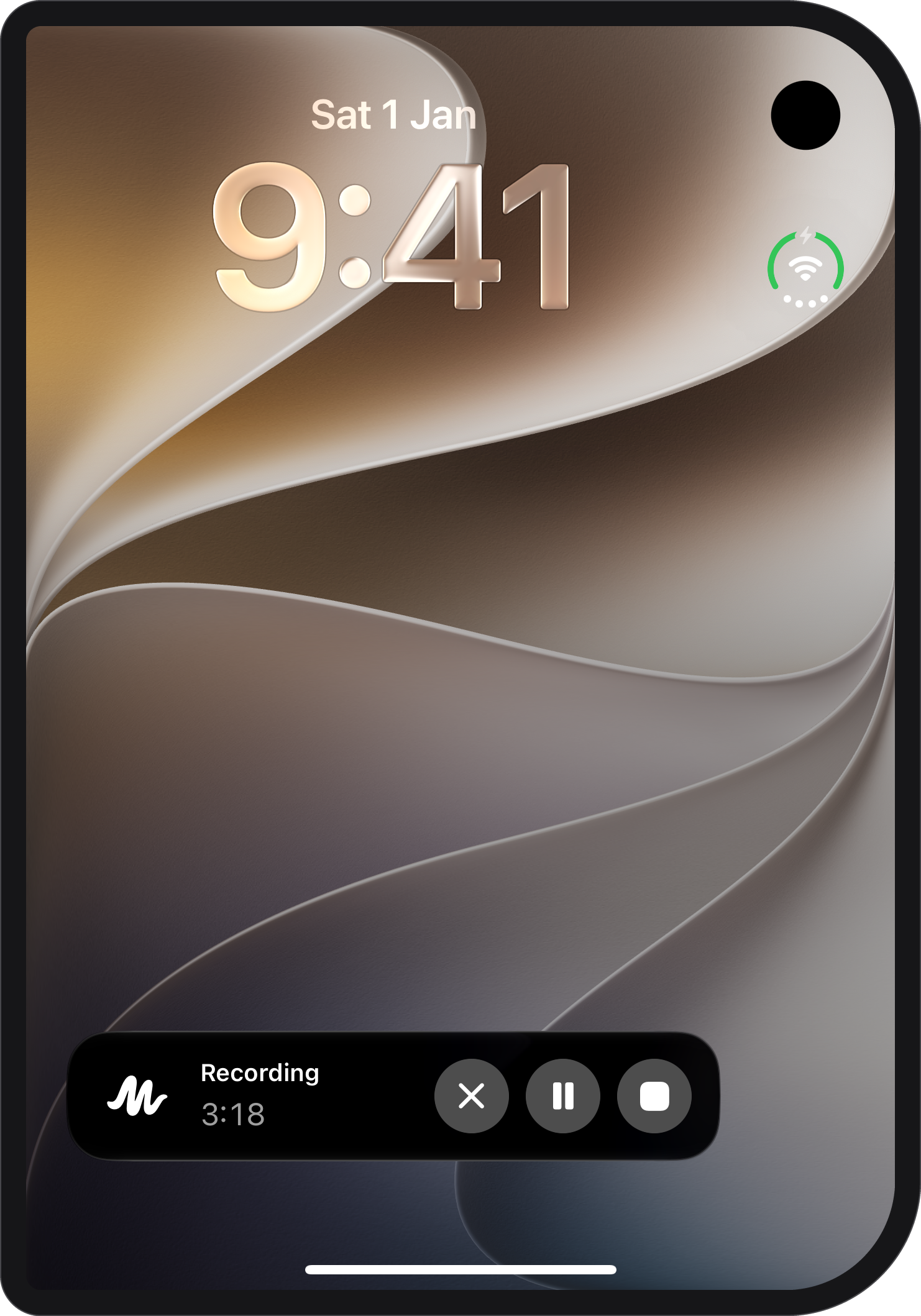
Live Activity on the Lock Screen -
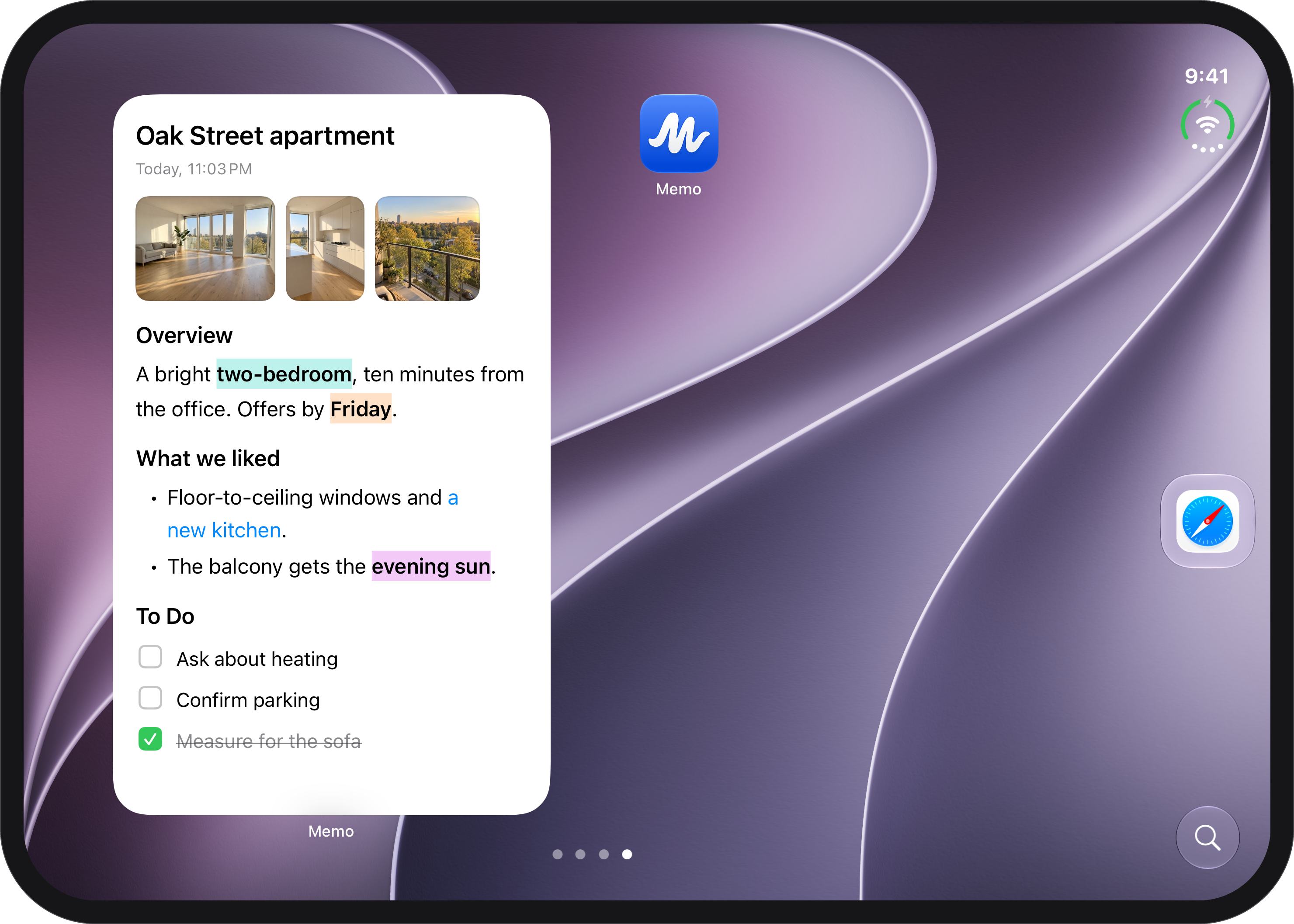
Latest Note widget, extra large -
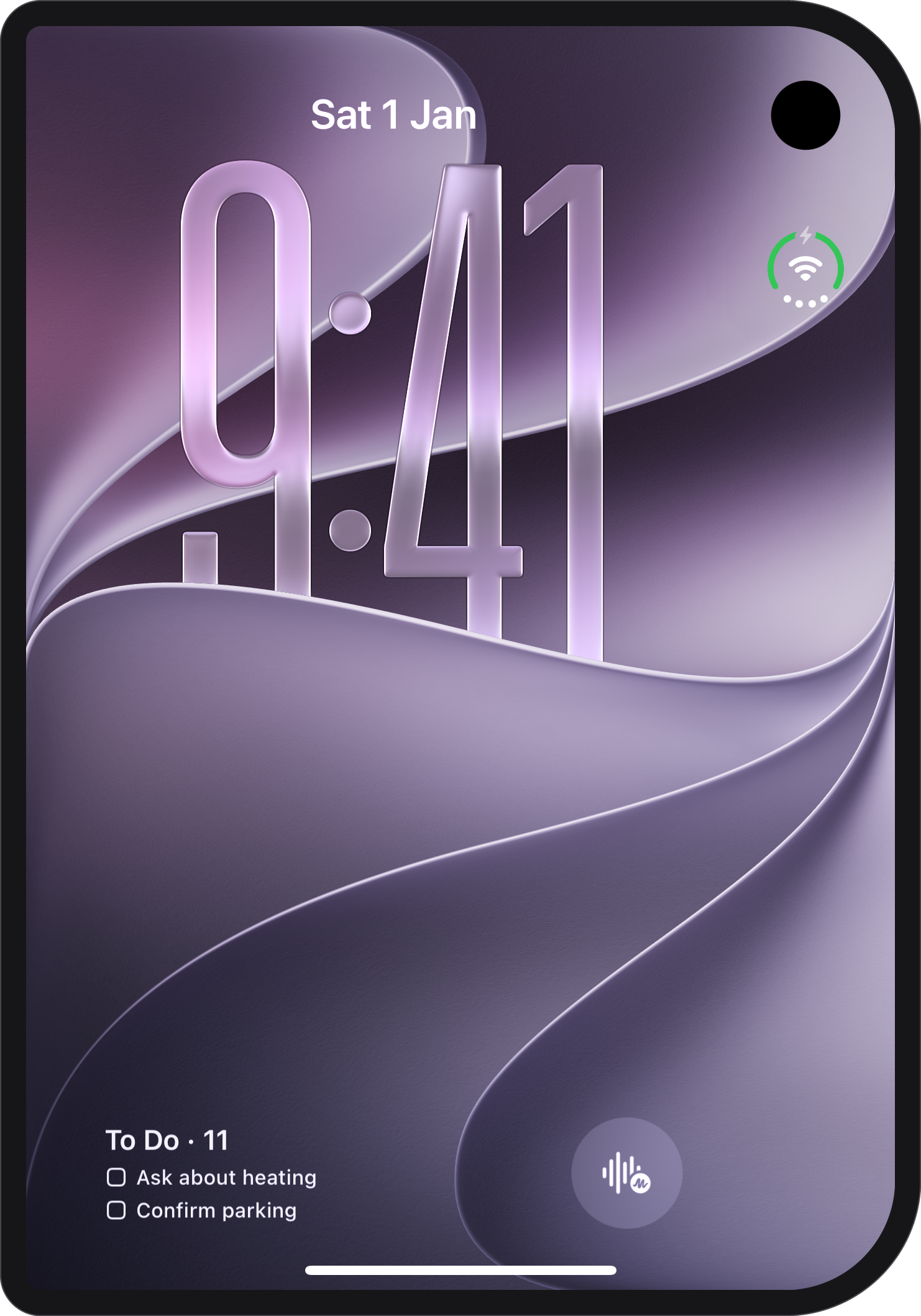
To Do and Record on the Lock Screen -
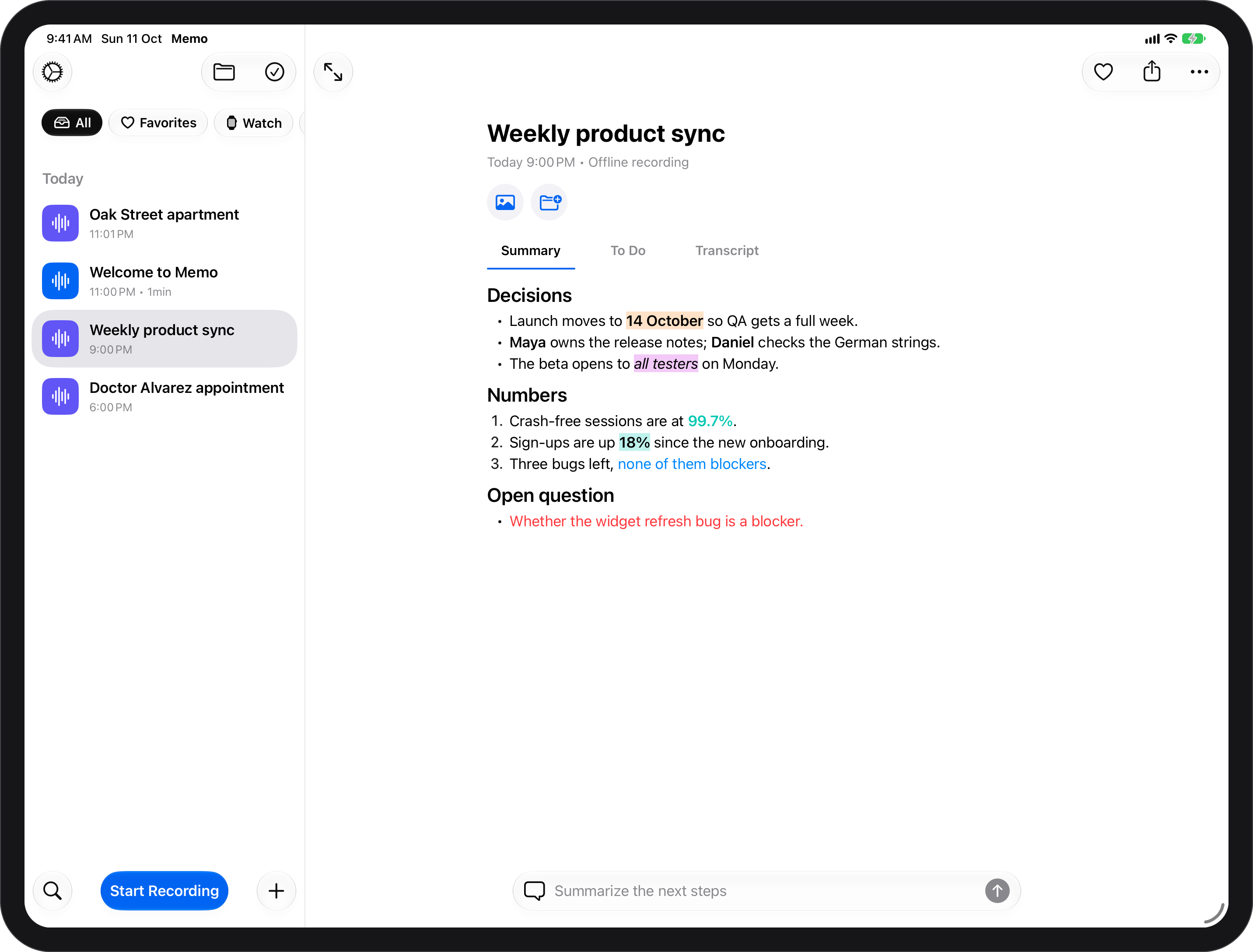
iPad: notes side by side -
Memo’s record control for Control Center
-
Follow a recording from the Lock Screen
Live Activities and the Dynamic Island
Recording, Paused, Processing with its percentage and Done with the title. Pause, resume or stop from the Lock Screen.
-
Your notes on the Home Screen
WidgetKit
Latest Note, To Do with ticks, Record and Record Offline; To Do and Record on the Lock Screen; tinted, clear and StandBy styles.
-
Record from Control Center
Controls
One button starts a recording and ends it.
-
Listen anywhere
Now Playing
Play a note from the Lock Screen, Control Center or AirPods.
-
Add to Memo from any app
Share extension
Send audio, video or a document to Memo from wherever it is.
-
Know when a note is ready
Notification extension
Your chosen sound and the unread badge on the “note is ready” notification.
-
iPad in any window
iPad multitasking
Every window size and rotation, Split View and Slide Over, with the menu bar and keyboard shortcuts.
Design
-
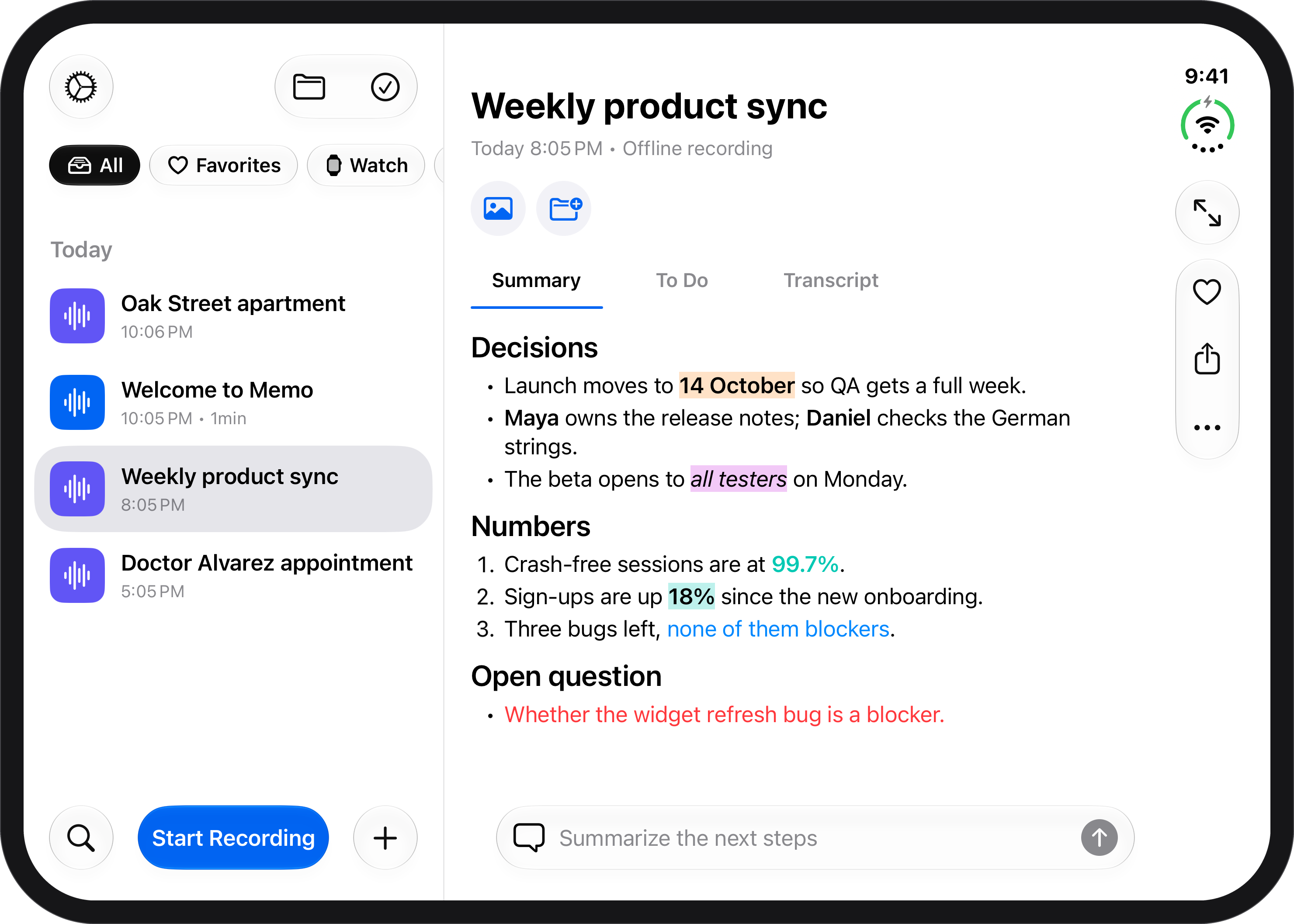
A note in light -
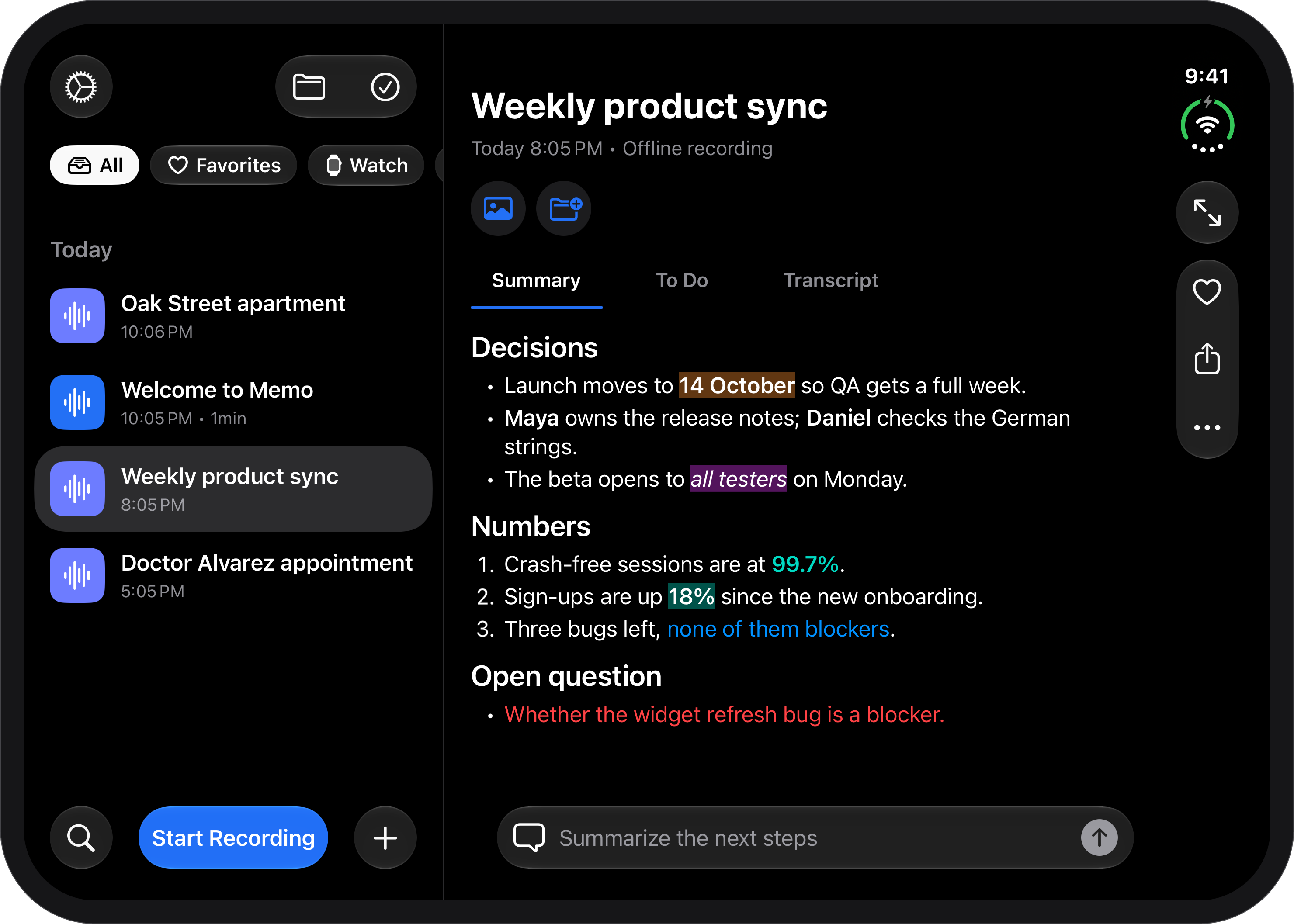
The same note in dark
-
Designed with Liquid Glass
Liquid Glass
The whole app is designed with Liquid Glass, in light and dark.
-
A new app icon
Icon Composer
The app icon is made with Icon Composer.
Accessibility and languages
-
English -
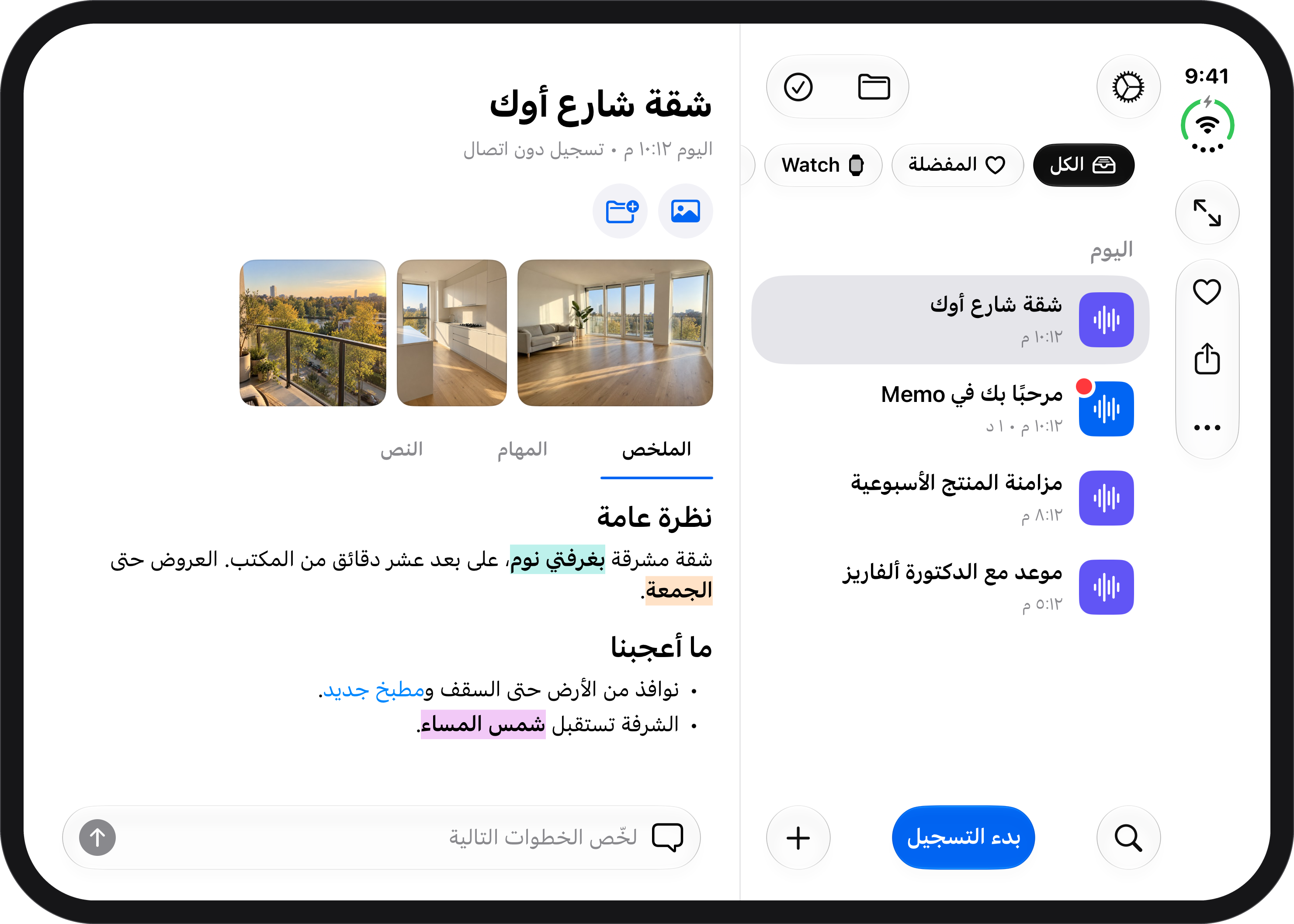
Arabic, right to left
-
Designed for everyone
Accessibility
VoiceOver, Voice Control, Larger Text up to the largest sizes, Captions (live captions and a transcript for every note), Sufficient Contrast, Reduced Motion, Dark Interface and Differentiate Without Color, in portrait and landscape; Large Content Viewer.
-
Eleven languages, Arabic right to left
Localization
English, Arabic, Chinese (Simplified), French (France and Canada), German, Italian, Japanese, Korean, Portuguese (Brazil and Portugal), Spanish (Spain and Latin America) and Turkish.
Questions, a review build or more detail: support@withmemo.app. Press texts and the app icon are in the press kit.